Who this is for.
Accord is where your child's IEP shows up day by day — the services your child is receiving each week and the progress they're making on their IEP goals. The picture is current, updated as providers do their work, so what you see today is where things actually stand.
Your dashboard.
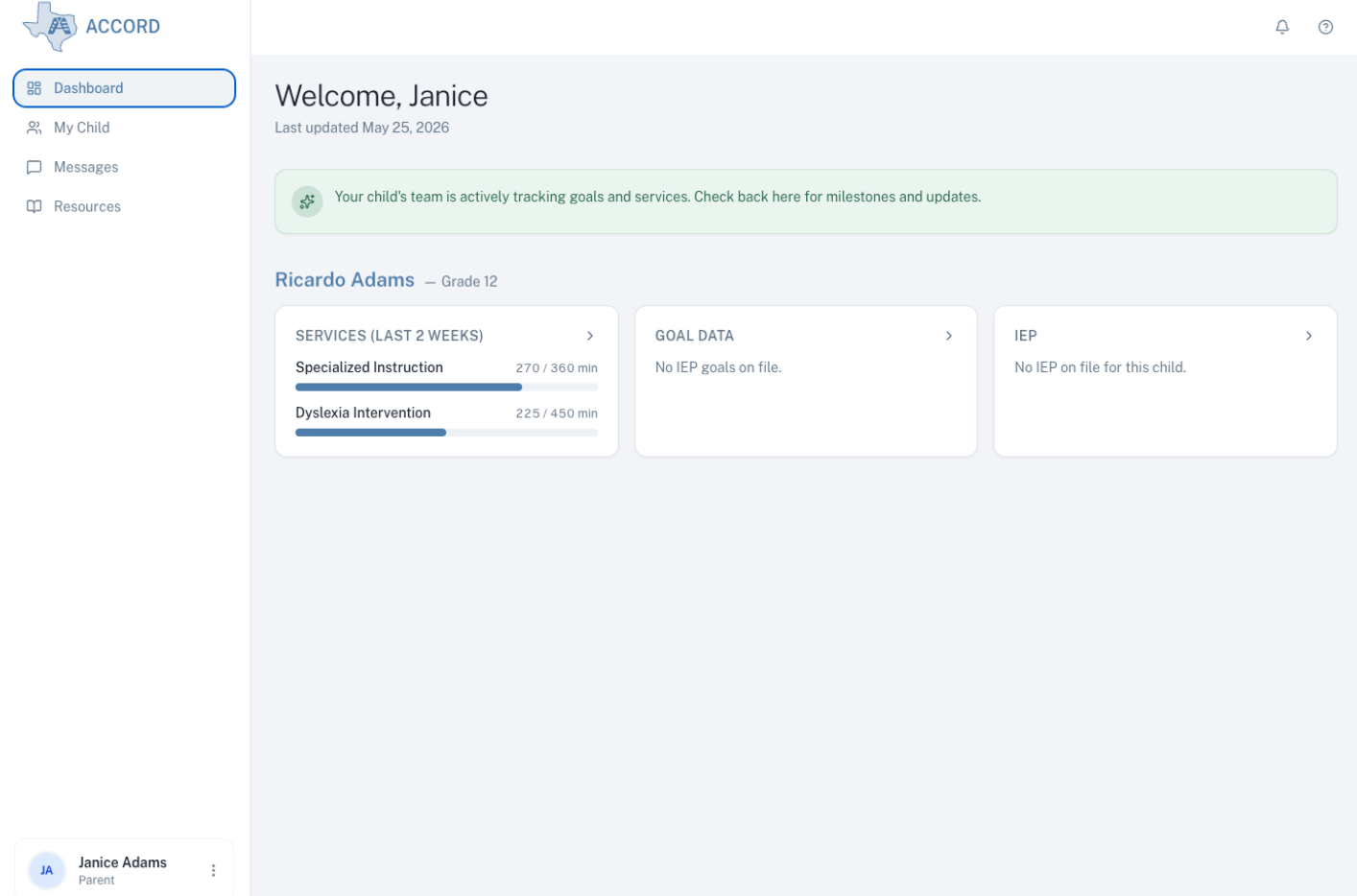
When you open Accord, the dashboard is the first thing you see. Each child with an IEP has their own summary of what's currently happening — the services they've received recently and where they are on their goals — and from there you can step into the full picture for any one of them.
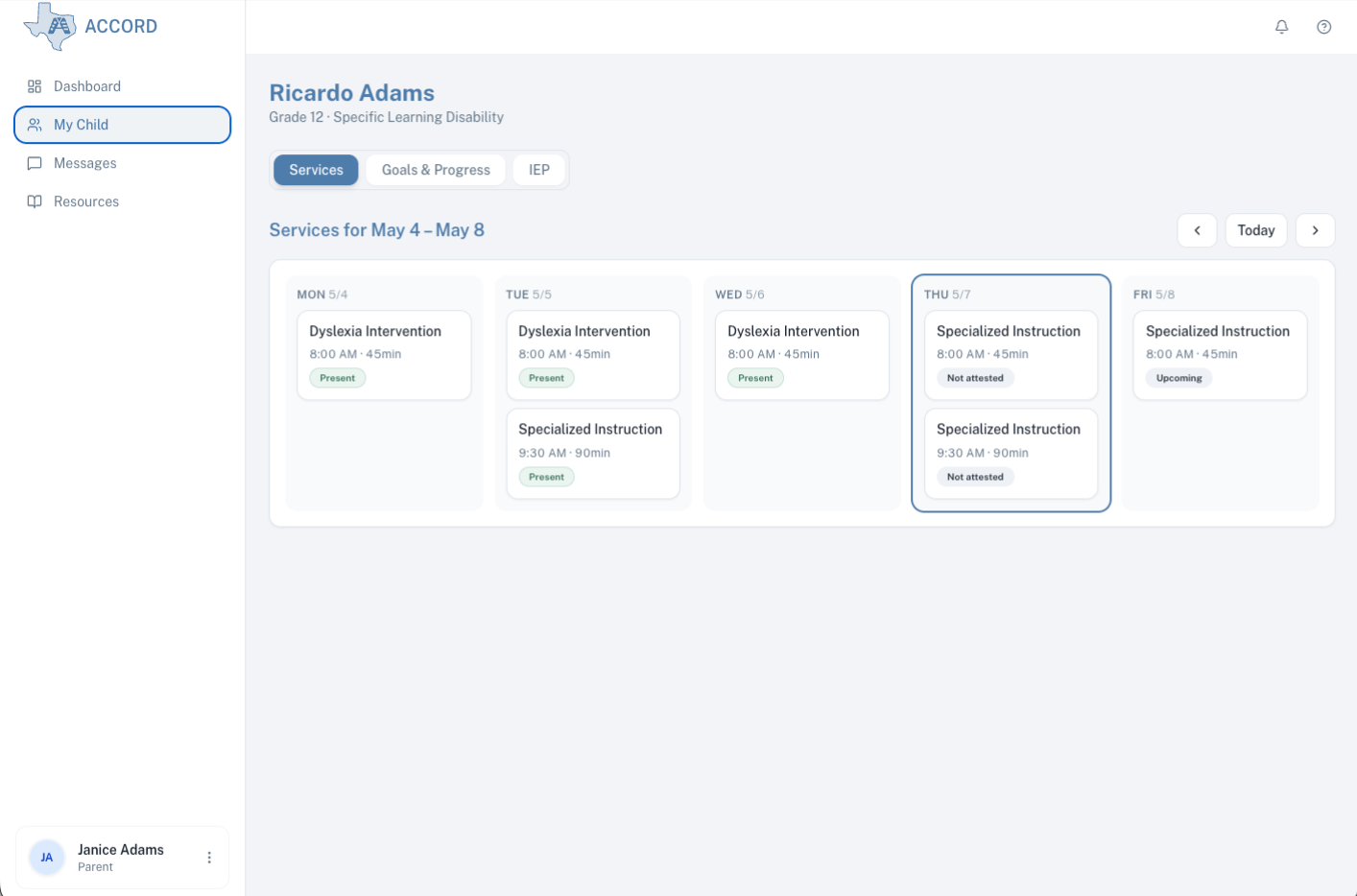
See your child's services.
Children with IEPs receive different services depending on their needs — for example, specialized instruction, speech and language therapy, or dyslexia intervention. Accord shows each session as it's delivered: which service it was, who delivered it, when, how long, and whether your child was there.
See your child's progress.
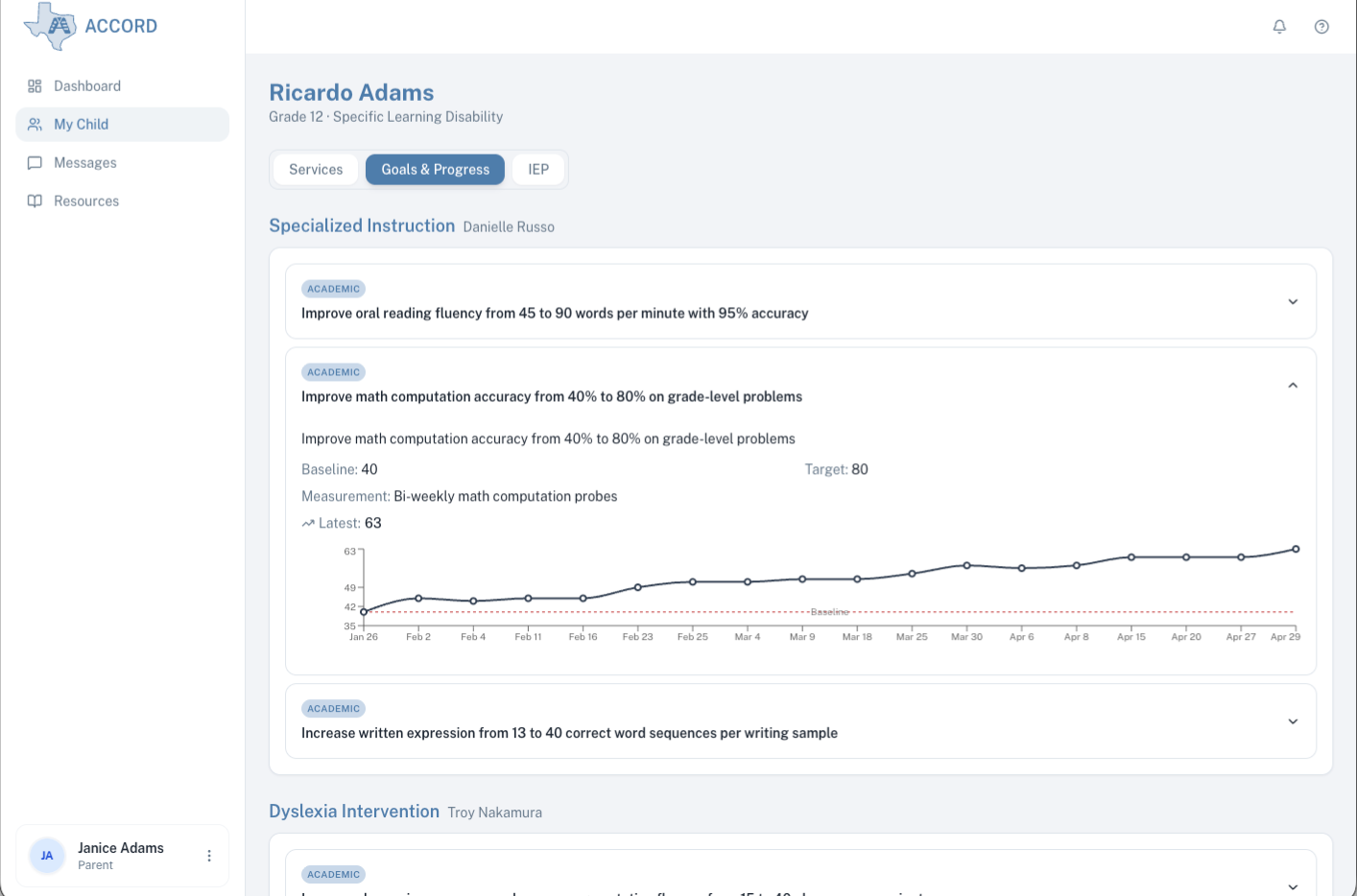
A child's IEP names a set of annual goals — what the team expects them to work toward over the year, for example, in academics, speech or language, or daily-living skills. Each goal has a starting point, a target, and ongoing data taken by the provider working on it.
Accord shows each goal alongside a chart of the data as it's been collected, so you can see how your child is progressing toward the target across the year.
Supporting resources.
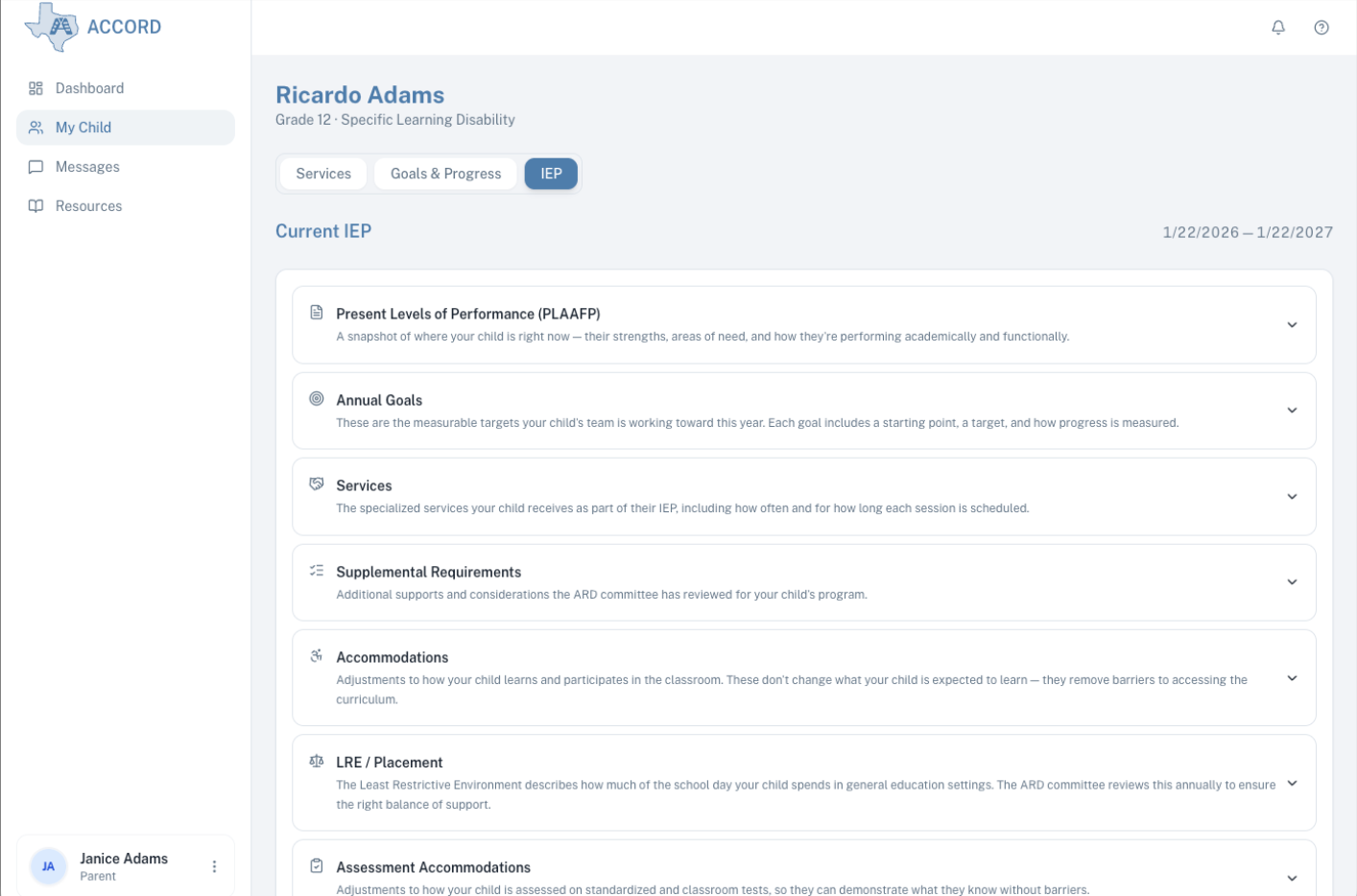
A child's IEP is the document that names the services and goals you've been seeing. Accord shows all the IEP sections — for example, Present Levels, Annual Goals, Services, and Accommodations — with a plain-language explanation of each, so a family has what they need to understand what the document is saying.
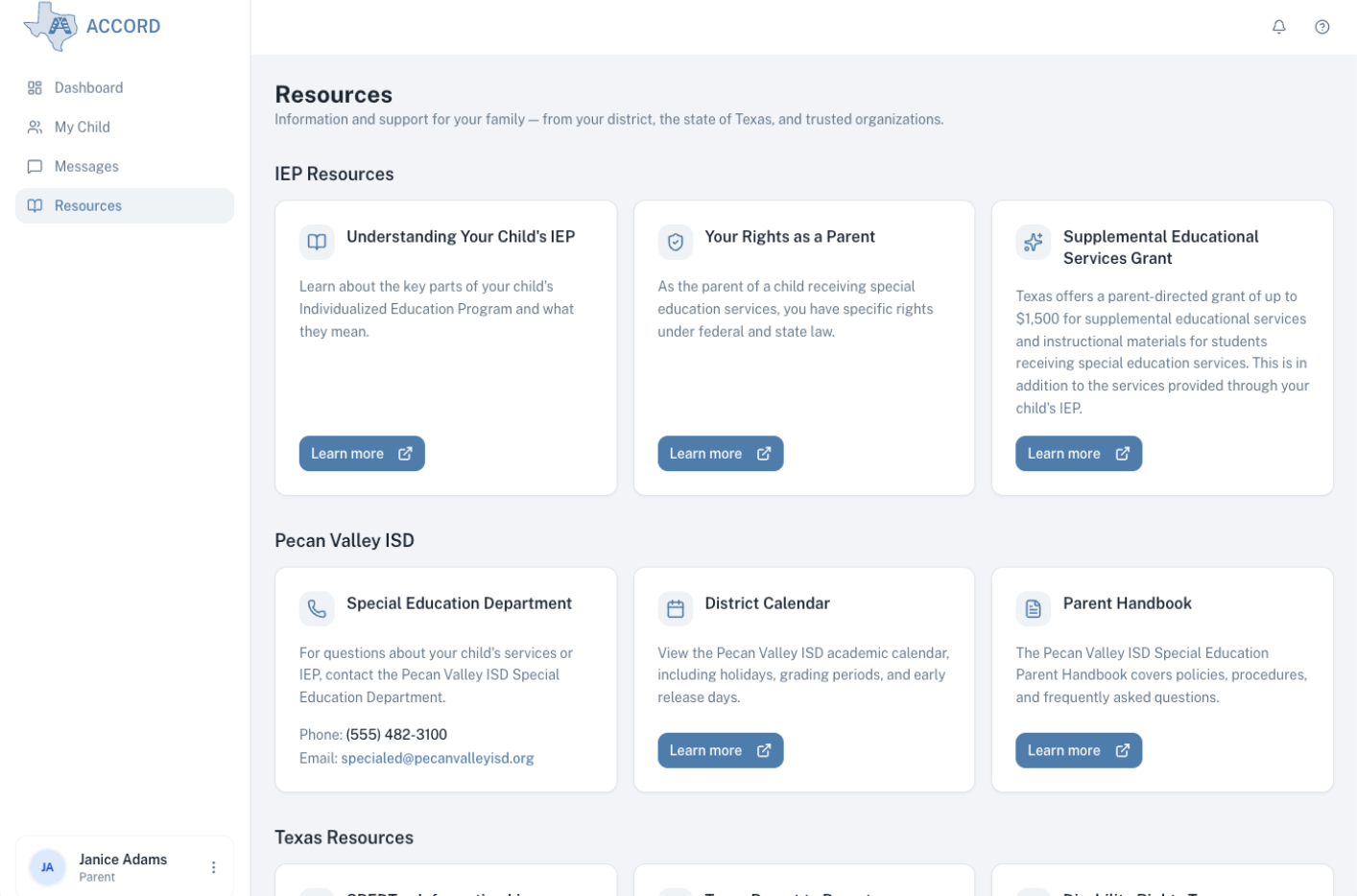
Accord also lets districts present additional resources a family might need — for example, school contacts and a parent handbook — alongside Texas-wide resources to support the ARD process.
Bringing Accord to your district starts with a conversation with your special education office. Drop us a note and we'll reach out to them.